Crashes & Launch Issues
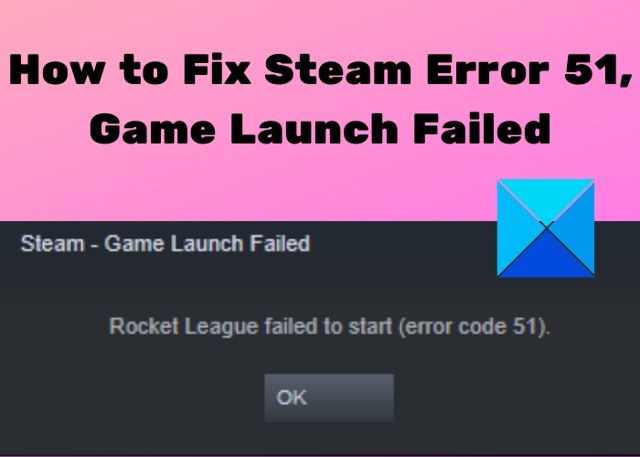
How to Resolve Steam Error Code 51 When a Game Will Not Launch
Steam error code 51 prevents games from starting and may stem from damaged files, software conflicts, missing dependencies, or corrupted configuration files. Work through these fixes in order, from verifying game files to refreshing the Steam client files.

Microsoft Investigates Windows 11 Game Crashes Linked to RGB Drivers After August Update
Microsoft is investigating game freezes and crashes following Windows 11's August update, with RGB-related drivers emerging as a possible link. Removing the update or the inpoutx64 driver may help, but both workarounds carry caveats.
How to troubleshoot Ride 6/5/4 startup crashes, freezes and black screens
Ride 6/5/4 may crash at startup, freeze or close after stuttering on Windows 11/10. Troubleshooting includes updating drivers, disabling overlays, verifying files, testing a Clean Boot and returning overclocked hardware to default speeds.
How to Troubleshoot Tony Hawk’s Pro Skater 1 + 2 Crashes on Xbox and PC
Tony Hawk’s Pro Skater 1 + 2 may crash in Xbox Public Multiplayer Lobbies as one match immediately follows another. Try restarting the game, then check console updates, disc condition, ventilation, and cached data; PC players should also check requirements, background apps, and drivers.
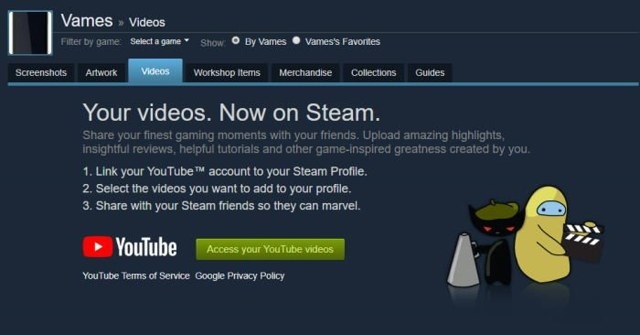
Connect Your YouTube Account to Steam to Share Videos
Linking YouTube to Steam lets you add YouTube videos to your Steam account. You can make the connection through the Steam client or website, then sign in with your Google credentials.
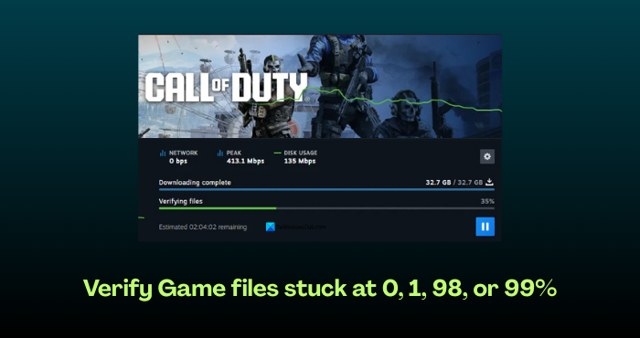
Fix Game File Verification Stuck at 0, 1, 98, or 99%
Game file verification can stall in Steam, GOG, Fortnite, or other games on Windows. Try these fixes in order, from checking your connection and clearing the client cache to repairing folders or reinstalling the affected game or launcher.
No articles found
Try adjusting your search or filter to find what you're looking for.

