Drivers & Compatibility
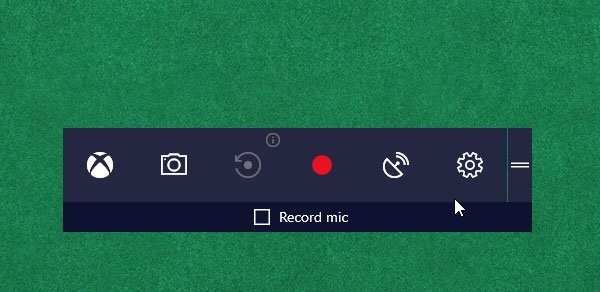
Turn Game Mode on or off in Windows 11 and Windows 10
Game Mode prioritizes system resources for gaming and aims to reduce lag and frame-rate problems. Learn how to enable it in Windows 11/10, activate it for individual games in Windows 10, and recognize when disabling it may help.
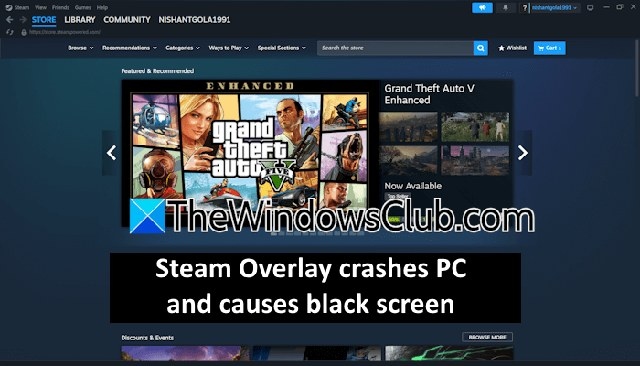
How to fix Steam Overlay black screens and PC crashes
Users report that opening Steam Overlay can trigger an in-game black screen or crash the computer. These troubleshooting steps cover overlay conflicts, Steam settings and cache, graphics drivers, and reinstalling Steam.
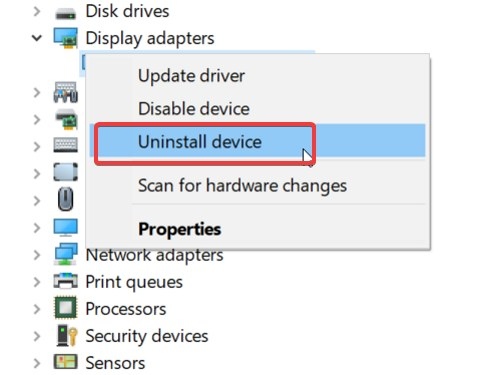
How to recover from a troublesome GPU driver update in Windows
A graphics driver update can sometimes trigger game crashes, freezing, or wider system problems. Work through restore-point preparation, driver rollback, clean installation, and System Restore to recover.
How to troubleshoot an AMD GPU driver disabled after Windows Update
Windows updates can leave an AMD graphics driver disabled because of driver incompatibility or replacement. These steps cover enabling the card, disabling hardware-accelerated GPU scheduling, reinstalling the driver, and controlling automatic replacement.
Two ways to clean-install NVIDIA graphics drivers in Windows 11
A clean NVIDIA driver installation can help when a routine update does not resolve display problems in Windows 11/10. Use either Display Driver Uninstaller in Safe Mode or the NVIDIA installer’s clean-install option.
How to Fix Fallout 4 Mods That Won’t Load or Appear in the Load Order
Fallout 4 mods may fail to work or appear in the load order because of configuration errors, missing administrator permissions, an outdated mod manager, or their installation location. These troubleshooting steps cover permissions, .ini settings, Nexus Mod Manager updates, and alternative mod managers on Windows 11 and Windows 10.
No articles found
Try adjusting your search or filter to find what you're looking for.

