Reports from users describe black screens during games or computer crashes when Steam Overlay opens. Try the following fixes in order.
Disable competing overlays
Other active overlays may conflict with Steam Overlay. Turn them off, then check whether Steam still has the problem.
Turn off Steam Overlay for the affected game
If you do not need the overlay in that game, disable it specifically for that title.
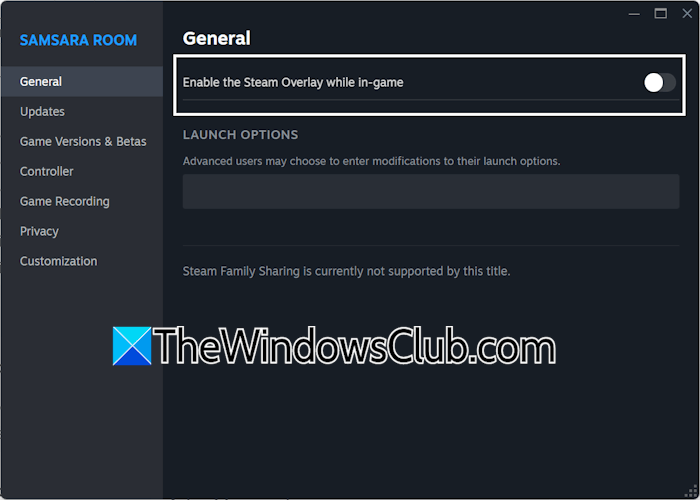
- Open Steam and go to LIBRARY.
- Right-click the affected game and choose Properties.
- On the General tab, switch off “Enable the Steam Overlay while in-game”.
Disable GPU acceleration
If the problem continues, try turning off Steam’s GPU acceleration.
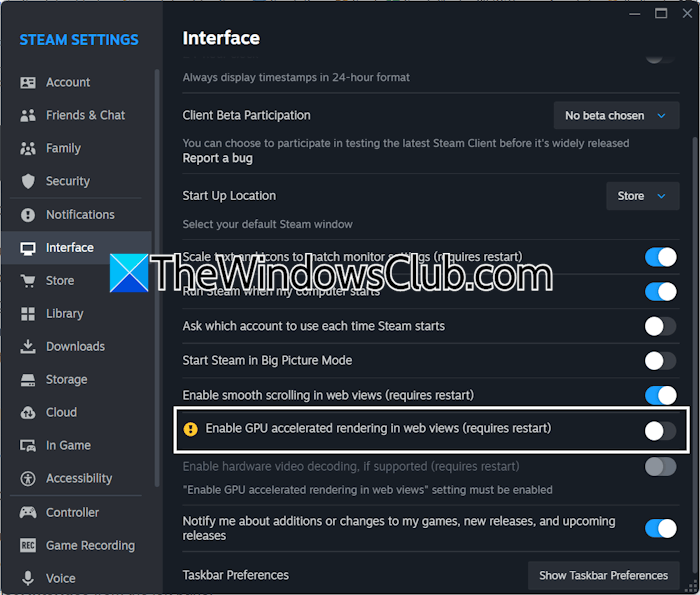
- Open Steam.
- Click Steam in the upper-left corner and choose Settings.
- Select Interface in the left pane.
- Scroll down and turn off “Enable GPU accelerated rendering in web views”.
- Restart Steam to apply the change, then launch the game and test again.
Clear Steam’s cache
Damaged cache files are another possible cause. Clear them if the previous changes do not help.
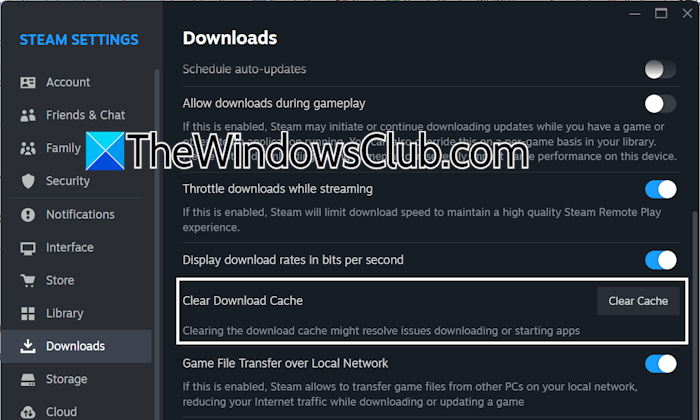
- Open Steam and its Settings.
- Go to Downloads.
- Scroll down and click Clear Cache beside Clear Download Cache.
Clean-install the graphics driver
A graphics driver issue may require a clean installation. First, download the latest driver for your graphics card from your computer manufacturer’s official website.
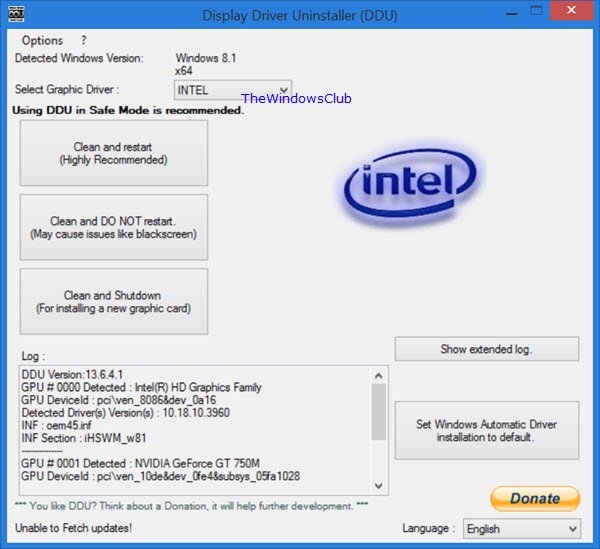
- Download and install DDU (Display Driver Uninstaller).
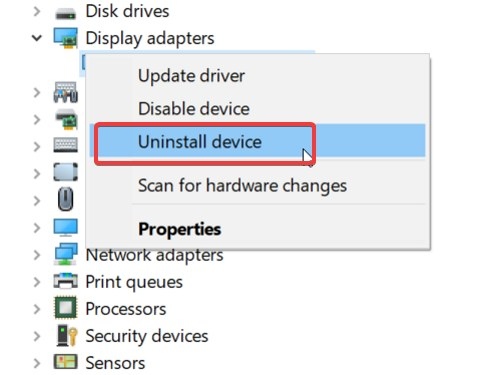
- Start Windows in Safe Mode and run DDU. It removes the graphics driver and its components; Windows then restores Microsoft Basic Display Adapter to keep the display working.
- Exit Safe Mode and restart in normal mode.
- Run the downloaded GPU driver installer to install a fresh copy.
Reinstall Steam
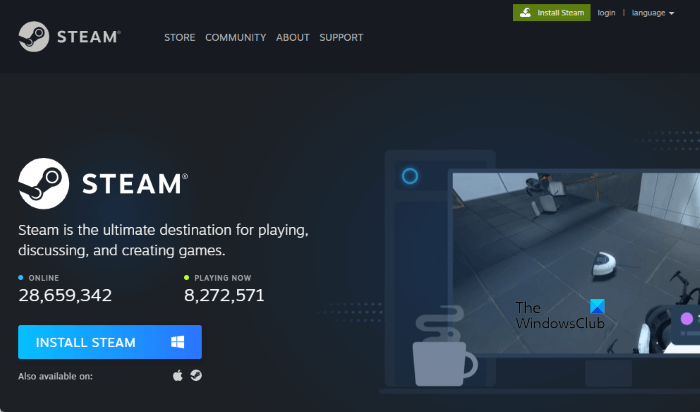
If the other fixes fail, remove Steam completely with Revo Uninstaller. Restart your computer, then install Steam again.
Other possible causes
Steam can freeze or crash a PC whose hardware cannot run it. Overheating and a corrupted graphics driver can also cause crashes.
A black screen in Steam may result from a corrupted graphics driver, an outdated Steam application, or damaged Steam cache files.