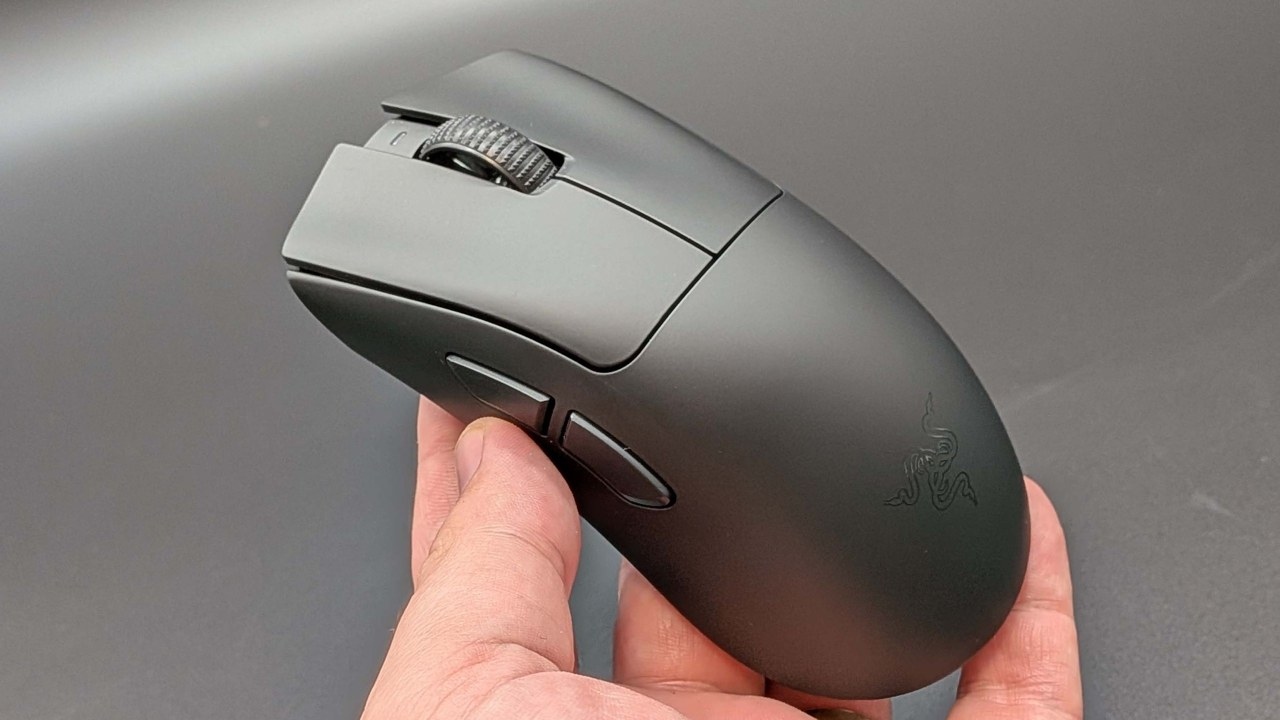
PC Gamer's author has questioned the practical value of 8 kHz polling, reporting little noticeable difference between 8 kHz, 4 kHz, 2 kHz and even 1 kHz when using a good mouse with a reliable connection. A spreadsheet from tech and gaming YouTuber BaldSquid offers a more objective comparison than feel alone; the linked release is version 0.6.
Enter polling rates and measured frame rates, and the spreadsheet calculates the estimated change in input latency. It combines the individual calculations so you do not have to work them out manually.
Collect and enter your results
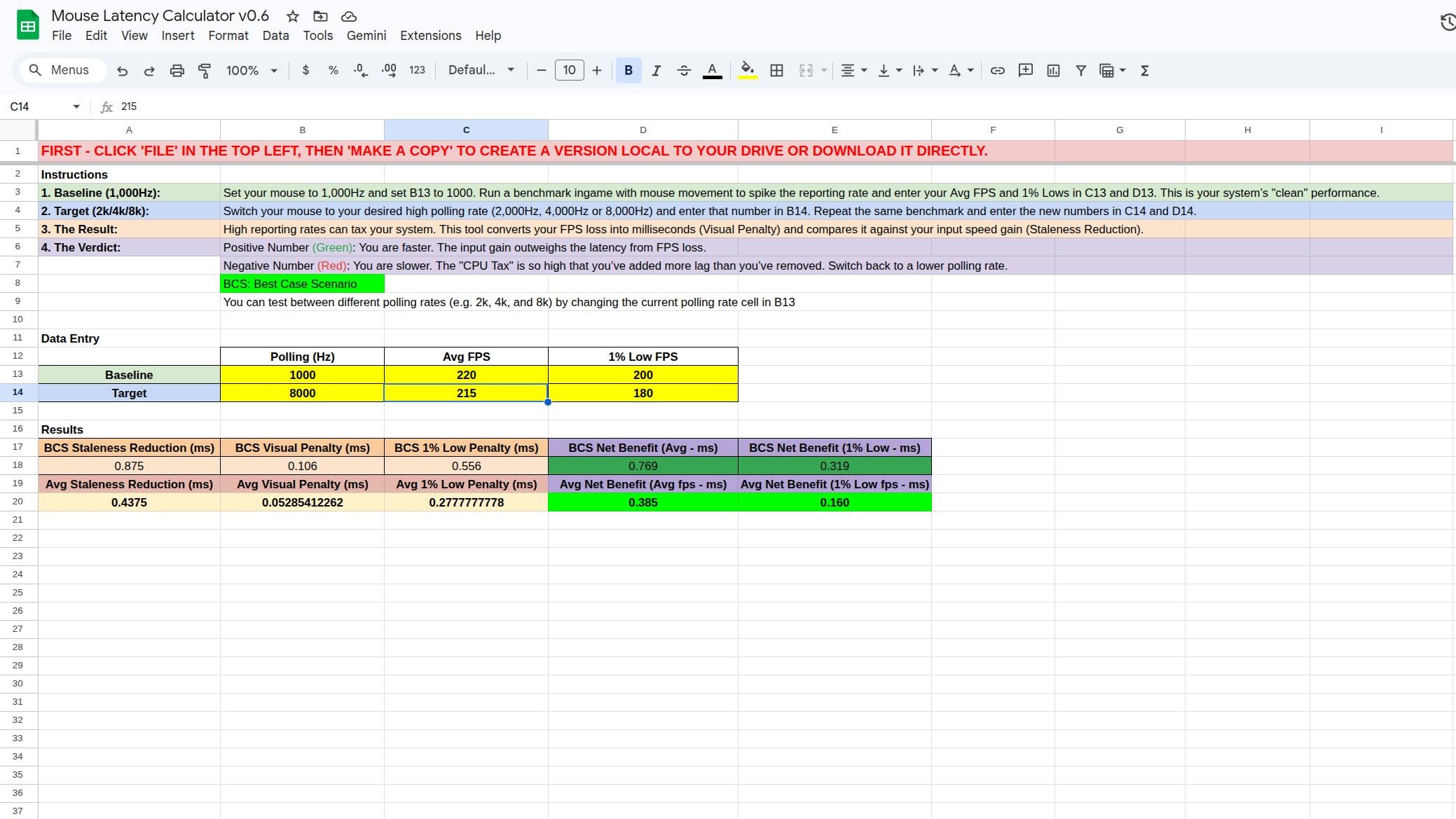
- Save a copy to your Google Drive through File > Make a copy.
- Run a manual benchmark, using a tool such as Nvidia FrameView to record frame rates. Move the mouse around in-game during the test.
- Repeat at the polling rate you want to compare, moving the mouse roughly as much as in the first run.
- Enter the average and 1% low frame rates into the spreadsheet.
The results estimate whether the input-latency reduction from a higher polling rate outweighs any loss in frame rate when considering visible mouse latency.
Read the latency calculations
Doubling the polling rate reduces input latency. Cells A18 and A20 show that reduction in milliseconds. Any lost frames introduce a “visual penalty,” potentially increasing perceived latency; cells B18 and B20 show that penalty in milliseconds.
The net results appear on the right. D18 gives a best-case scenario, while D20 represents a likely average scenario. A positive green number indicates a latency reduction of that size; a negative red number indicates an increase, suggesting the change may not be worthwhile. The improvements involved are sub-millisecond.
What the spreadsheet leaves out
Input latency and visual delay are not identical measurements. A higher polling rate should retain its input-latency advantage regardless of frame rate, because games should register inputs between frames. Nevertheless, seeing a shot only after it has registered can feel slower, making the comparison useful.
The tool does not consider monitor refresh rate. At 60 Hz with 240 fps, you will not perceive the full benefit of an input-latency reduction. Its estimates best reflect perceived results when frame rates are at or below the display's refresh rate; lower refresh rates create a larger gap between the calculations and experience.
Battery life is excluded too. The article states that, generally, doubling the polling rate halves battery life, while moving from 1 kHz to 8 kHz reduces it by 8x. Adding battery-life calculations would require additional testing, and the importance of that tradeoff depends on the user.
With those limitations, the spreadsheet offers a quick, approximate way to judge whether increasing polling rate produces a visible improvement and how large that improvement might be.

About the author
Jacob first owned a gaming PC at about 12. After concluding that a local repair shop had overcharged him for the build, he decided to build his own systems. He became a Hardware Writer at PCGamesN in 2020, later pursued a Philosophy PhD while freelancing for TechRadar, Pocket-lint and PC Gamer, and eventually joined PC Gamer full-time.