Game Stuttering

How to address Hearthstone freezing, stuttering and disconnections on PC
Hearthstone players on Windows 11/10 may encounter freezes, stuttering or frequent disconnections. Check the system requirements, then work through graphics, background-process, network and in-game settings fixes.
Troubleshooting Sifu FPS drops, stuttering and crashes on Windows
Sifu performance problems can arise when system demands are too high, graphics drivers are outdated or game files are corrupted. These steps cover reducing background load, lowering settings, verifying files and changing the Windows power plan.
Reported Zen 6 per-core controls could reduce gaming microstutter
An unconfirmed report suggests AMD's Zen 6 processors will use finer-grained power, thermal and memory controls to prioritize foreground applications. The changes could improve gaming frame-time consistency, though availability may vary by product.
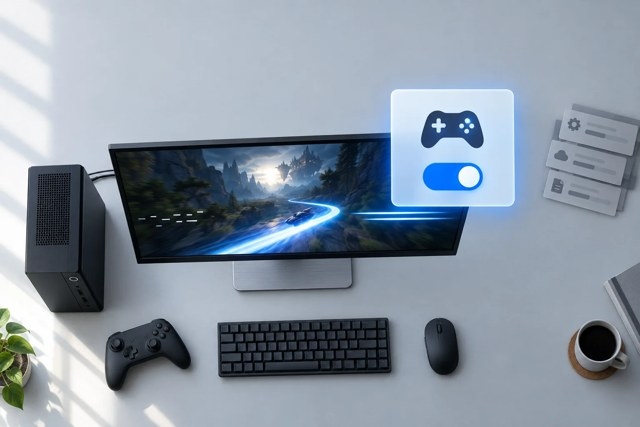
Enable Windows Game Mode and troubleshoot persistent game stutter
Turn on Game Mode in Windows 11 or 10, then compare the same game scene with it enabled and disabled. If stuttering continues, work through overlays, GPU selection, drivers and graphics settings before checking hardware limitations.
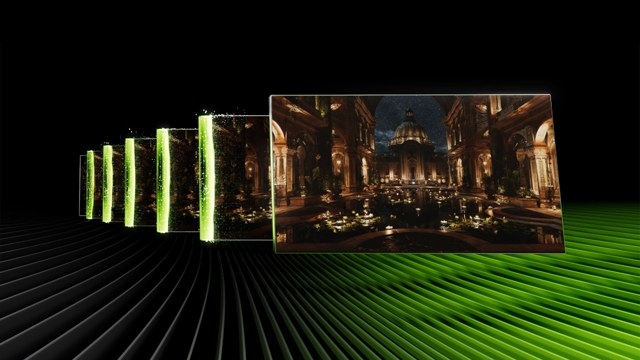
Nvidia App beta brings dynamic DLSS 4.5 frames and idle shader compilation
The Nvidia App beta adds DLSS 4.5 Dynamic Multi Frame Generation for RTX 50-series GPUs, alongside a revised Frame Generation model for RTX 40-series and 50-series cards. An Auto Shader Compilation preview aims to rebuild DirectX 12 shader caches during idle time after driver updates.
Troubleshoot Ground Branch crashes, low frame rates and stutter
Work through unnecessary apps, GPU selection, game-file verification and graphics settings to troubleshoot Ground Branch on Windows 11/10. Driver updates, runtime installation and Clean Boot testing provide further checks.
No articles found
Try adjusting your search or filter to find what you're looking for.

