Display Problems
Fixing Star Citizen crashes, minimizing, stuttering and freezes on PC
Star Citizen problems on Windows 11/10 can be linked to insufficient resources, outdated drivers, corrupted files or overlay conflicts. Follow these troubleshooting steps, check the system requirements and inspect GPU logs when graphics crashes occur.
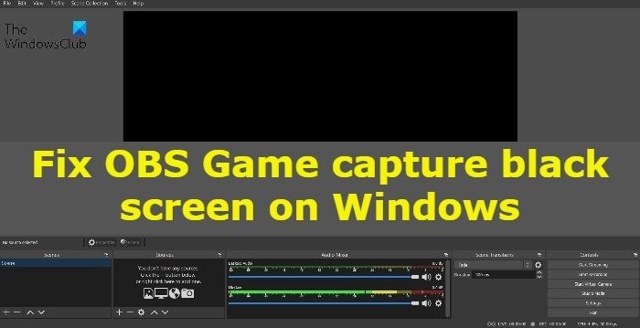
How to Resolve a Black Screen in OBS Game Capture on Windows
OBS Studio may show a black game preview because of version mismatches, permissions, compatibility issues or competing capture software. These Windows 11/10 troubleshooting steps cover those causes, GPU selection and reinstallation.
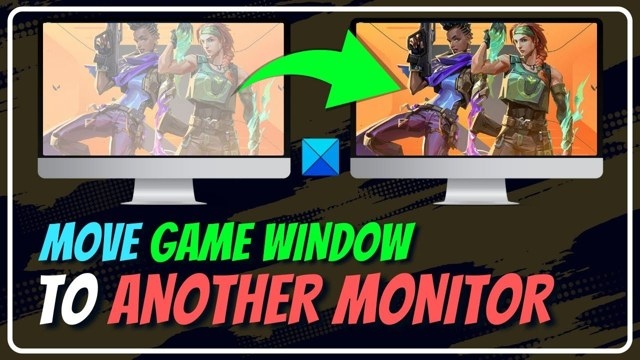
Move a Full-Screen Game to a Different Monitor in Windows
You can move a full-screen game between monitors by switching to a movable window or changing Windows display settings. The window method depends on the game, while display settings provide an alternative on Windows 11/10.
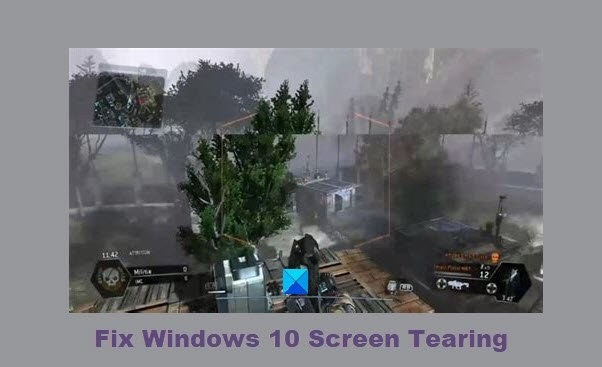
Ways to troubleshoot screen tearing in Windows 11 and Windows 10
Screen tearing can disrupt games, videos, scrolling, or startup in Windows 11/10. Check the display resolution and refresh rate, troubleshoot graphics drivers and video playback, and consider a hardware inspection if the problem persists.
Configure and calibrate HDR for gaming in Windows 11 and Windows 10
HDR gaming requires a compatible display, GPU, and cable, along with the right Windows settings. This guide covers enabling HDR, calibrating the display, and addressing common color and battery-related problems in Windows 11/10.
Fix a screen that dims during full-screen games on Windows
A Windows 11/10 display may dim during full-screen games because of automatic brightness, power settings, drivers, or a GPU fault. These troubleshooting options cover graphics drivers, gaming settings, and dynamic backlight control.
No articles found
Try adjusting your search or filter to find what you're looking for.

