You can connect your YouTube account to Steam to add videos to your Steam account. The connection works in one direction: it does not provide an option to add Steam content to YouTube.
Connect YouTube to Steam
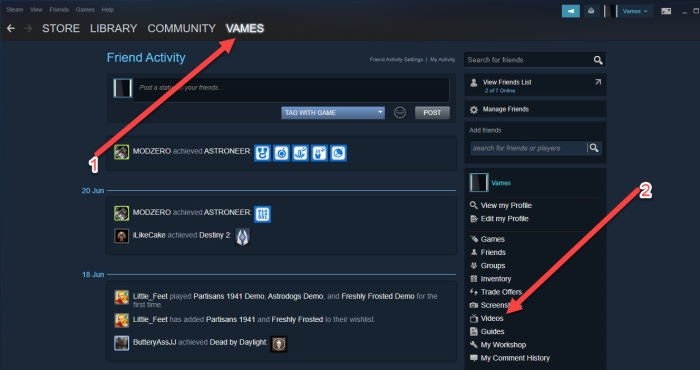
Open the Steam client and sign in to your Steam account. If you prefer not to use the client, you can also use the Steam website in your browser.
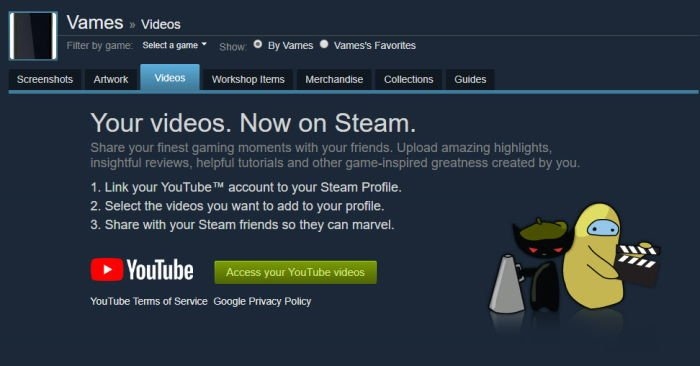
Click your profile name, then open Videos.
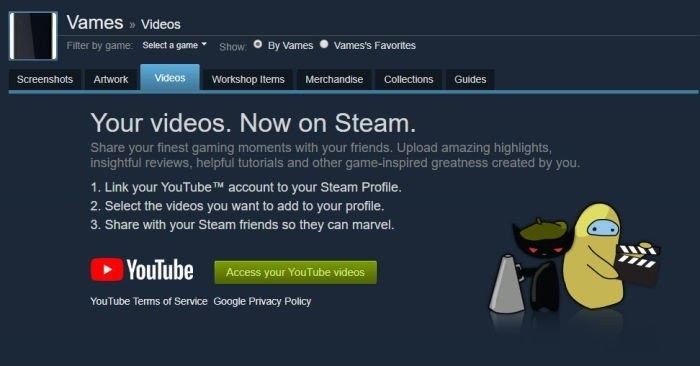
Find and click Link YouTube Account. On the page that opens, select the green Access Your YouTube Videos button at the bottom.
When prompted, sign in to YouTube using your Google account credentials.