
Connect Your YouTube Account to Steam to Share Videos
Linking YouTube to Steam lets you add YouTube videos to your Steam account. You can make the connection through the Steam client or website, then sign in with your Google credentials.
How to Troubleshoot Tony Hawk’s Pro Skater 1 + 2 Crashes on Xbox and PC
Tony Hawk’s Pro Skater 1 + 2 may crash in Xbox Public Multiplayer Lobbies as one match immediately follows another. Try restarting the game, then check console updates, disc condition, ventilation, and cached data; PC players should also check requirements, background apps, and drivers.

How to troubleshoot Ride 6/5/4 startup crashes, freezes and black screens
Ride 6/5/4 may crash at startup, freeze or close after stuttering on Windows 11/10. Troubleshooting includes updating drivers, disabling overlays, verifying files, testing a Clean Boot and returning overclocked hardware to default speeds.

Microsoft Investigates Windows 11 Game Crashes Linked to RGB Drivers After August Update
Microsoft is investigating game freezes and crashes following Windows 11's August update, with RGB-related drivers emerging as a possible link. Removing the update or the inpoutx64 driver may help, but both workarounds carry caveats.
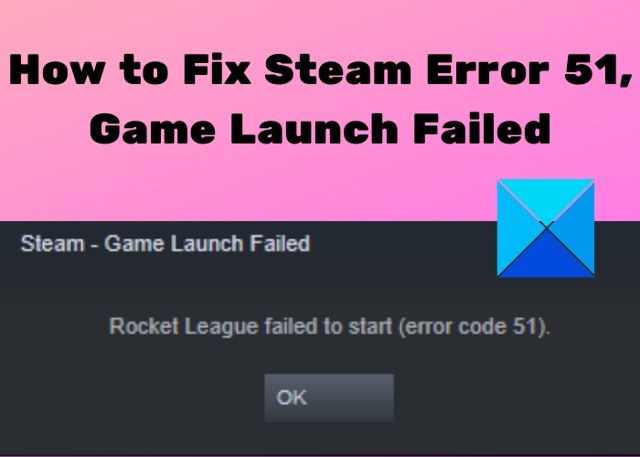
How to Resolve Steam Error Code 51 When a Game Will Not Launch
Steam error code 51 prevents games from starting and may stem from damaged files, software conflicts, missing dependencies, or corrupted configuration files. Work through these fixes in order, from verifying game files to refreshing the Steam client files.
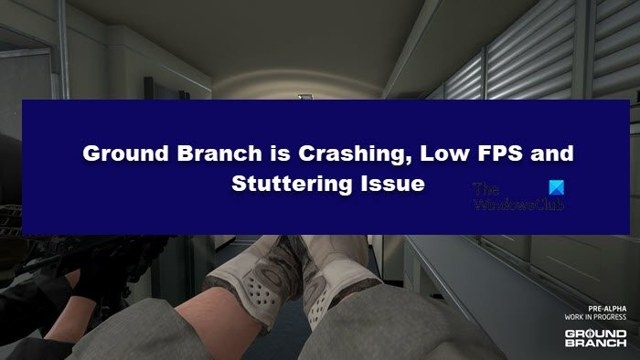
Troubleshoot Ground Branch crashes, low frame rates and stutter
Work through unnecessary apps, GPU selection, game-file verification and graphics settings to troubleshoot Ground Branch on Windows 11/10. Driver updates, runtime installation and Clean Boot testing provide further checks.

Nvidia App beta brings dynamic DLSS 4.5 frames and idle shader compilation
The Nvidia App beta adds DLSS 4.5 Dynamic Multi Frame Generation for RTX 50-series GPUs, alongside a revised Frame Generation model for RTX 40-series and 50-series cards. An Auto Shader Compilation preview aims to rebuild DirectX 12 shader caches during idle time after driver updates.
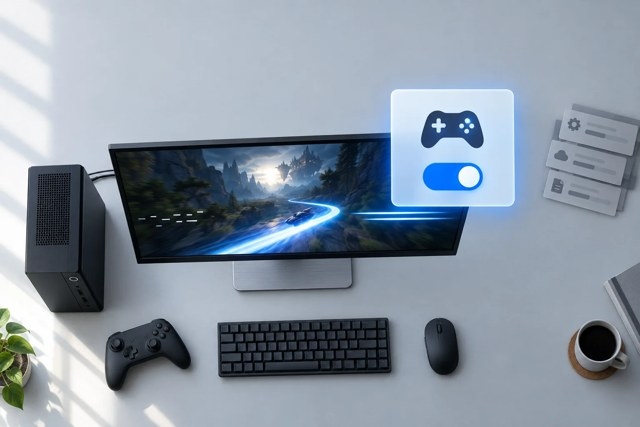
Enable Windows Game Mode and troubleshoot persistent game stutter
Turn on Game Mode in Windows 11 or 10, then compare the same game scene with it enabled and disabled. If stuttering continues, work through overlays, GPU selection, drivers and graphics settings before checking hardware limitations.
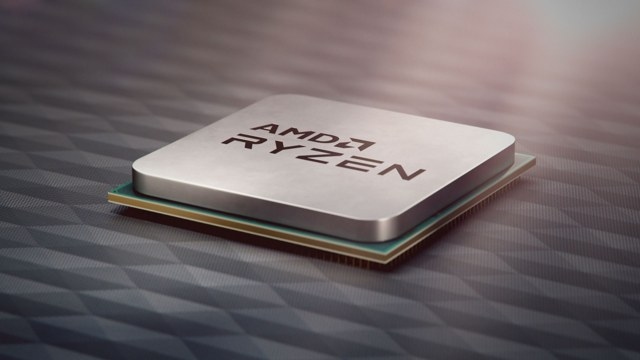
Reported Zen 6 per-core controls could reduce gaming microstutter
An unconfirmed report suggests AMD's Zen 6 processors will use finer-grained power, thermal and memory controls to prioritize foreground applications. The changes could improve gaming frame-time consistency, though availability may vary by product.
Troubleshooting Sifu FPS drops, stuttering and crashes on Windows
Sifu performance problems can arise when system demands are too high, graphics drivers are outdated or game files are corrupted. These steps cover reducing background load, lowering settings, verifying files and changing the Windows power plan.
No articles found
Try adjusting your search or filter to find what you're looking for.

