Windows 11's August update has been followed by reports of games freezing or crashing, and Microsoft is investigating. The cause remains uncertain, although RGB-related drivers and possible interactions with anti-cheat software are under scrutiny.
As reported by The Register, Microsoft's Windows release health dashboard acknowledges reports of certain games becoming unresponsive after the patch.
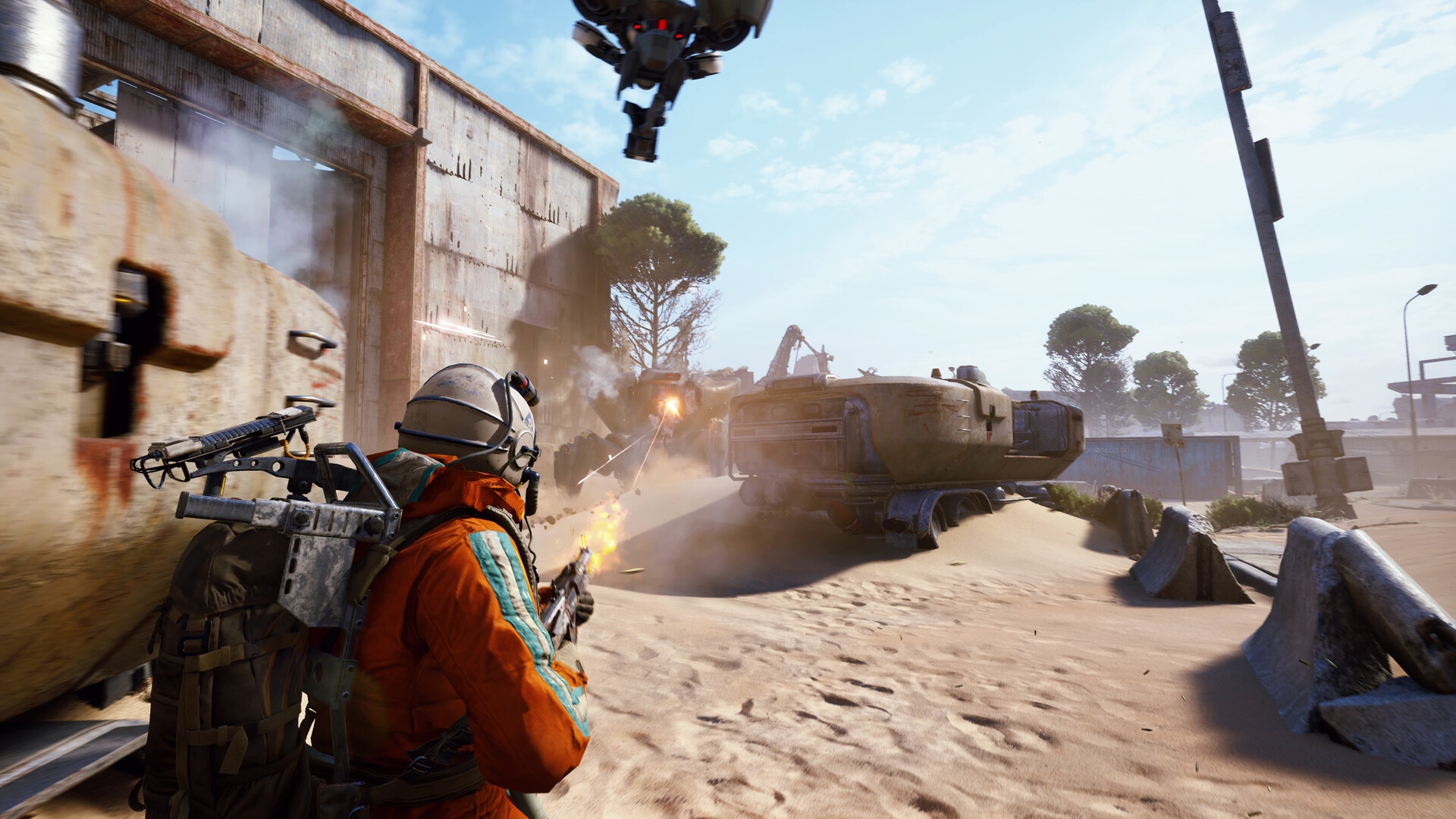
Symptoms include freezes, crashes to the desktop, and, in some cases, an 'Exception Access Violation' error. Some players also report spontaneous reboots after a crash. This does not affect every game: Microsoft specifically names reports involving Arc Raiders, Marvel Tokon: Fighting Souls, and The Finals.
According to Microsoft's ongoing investigation, the issue is associated with peripherals or internal components that have RGB lighting. These devices can install drivers or code components with names similar to inpoutx64; on systems containing those drivers, launching certain games can trigger the problem.
Microsoft says it is examining the relationship between these RGB components and the affected games and will share more information when available. It has not established whether Microsoft itself caused the issue.
Possible explanations
Although Microsoft's findings point toward drivers, Windows 11 changes could still be the underlying trigger. As The Register notes, some Reddit users suggest that “tightened kernel handle validation” introduced by the August patch is exposing driver faults that previously went unnoticed.
The inpoutx64 driver is not limited to RGB lighting software. Utilities requiring low-level hardware access can also use it; the Reddit discussion mentions the hardware-monitoring tool ZenTimings. The theory is that, after the patch, a game's anti-cheat checks encounter a problem when probing this driver, causing the game to crash. This remains an explanation under discussion, not a confirmed diagnosis.
Workaround: remove the August update
One straightforward option is to uninstall the August update or roll Windows back to before its installation. In Windows Update, open Update History, locate KB5121003, and uninstall it.
The tradeoff is that removing the patch also removes its security fixes and other improvements, including faster app launching.
Workaround: remove the inpoutx64 driver
Another option is to remove the implicated driver while keeping the August update installed. Advice in the Reddit discussion and guidance from Arc Raiders developer Embark describe this approach. The source author had not tested it; although removal reportedly should not harm the system, proceed at your own risk.
- Type cmd into Windows 11's search box. Right-click Command Prompt and choose 'Run as administrator'.
- Enter the following command and press Enter:
sc stop inpoutx64
- Enter this second command and press Enter:
sc delete inpoutx64
- Close Command Prompt and open File Explorer.
- Navigate to C:\Windows\System32\drivers.
- Find the inpoutx64 file. It may appear as a SYS file, a DLL file, or both. Delete whichever of those files are present.
Removing the driver may make affected games playable without uninstalling the update, but this is not a tested guarantee from the source author. Waiting for Microsoft's investigation may be the better option for now.
Players remain frustrated
The investigation may be difficult to untangle if a necessary security change has exposed driver problems. Nevertheless, many players on social media blame Microsoft, with complaints about recurring monthly update failures, accusations involving AI-assisted “vibe coding,” and suggestions of switching to Linux.
One Reddit user questioned Windows' gaming advantage over Linux if players must worry about compatibility on either platform. Another commenter claimed that every monthly update since December 2025 had broken something. These are users' opinions, not findings from Microsoft's investigation.