Testing Mouse Latency on Windows 11/10
Mouse latency is the delay between a mouse action and its response. These online tests help assess lag or reaction time, with important distinctions about what their results measure.
How to Fix Fallout 4 Mods That Won’t Load or Appear in the Load Order
Fallout 4 mods may fail to work or appear in the load order because of configuration errors, missing administrator permissions, an outdated mod manager, or their installation location. These troubleshooting steps cover permissions, .ini settings, Nexus Mod Manager updates, and alternative mod managers on Windows 11 and Windows 10.
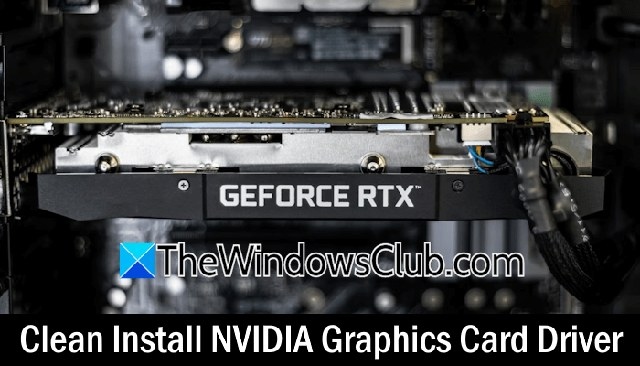
Two ways to clean-install NVIDIA graphics drivers in Windows 11
A clean NVIDIA driver installation can help when a routine update does not resolve display problems in Windows 11/10. Use either Display Driver Uninstaller in Safe Mode or the NVIDIA installer’s clean-install option.
How to troubleshoot an AMD GPU driver disabled after Windows Update
Windows updates can leave an AMD graphics driver disabled because of driver incompatibility or replacement. These steps cover enabling the card, disabling hardware-accelerated GPU scheduling, reinstalling the driver, and controlling automatic replacement.
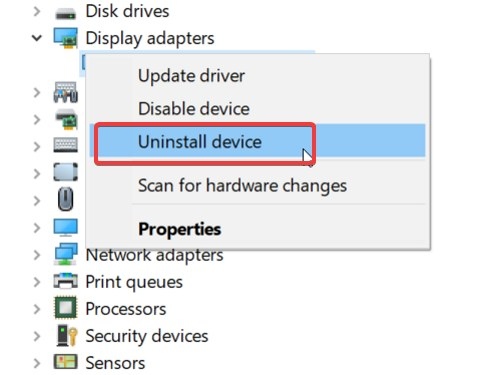
How to recover from a troublesome GPU driver update in Windows
A graphics driver update can sometimes trigger game crashes, freezing, or wider system problems. Work through restore-point preparation, driver rollback, clean installation, and System Restore to recover.
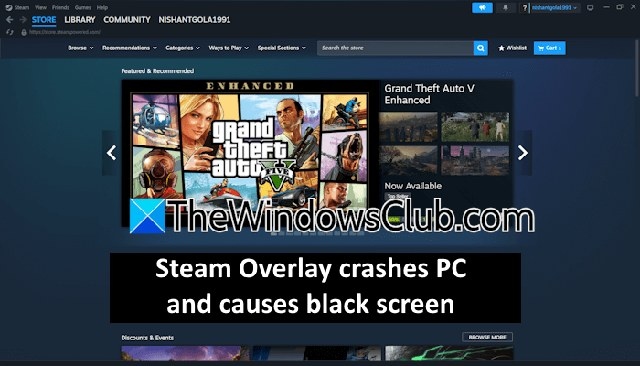
How to fix Steam Overlay black screens and PC crashes
Users report that opening Steam Overlay can trigger an in-game black screen or crash the computer. These troubleshooting steps cover overlay conflicts, Steam settings and cache, graphics drivers, and reinstalling Steam.
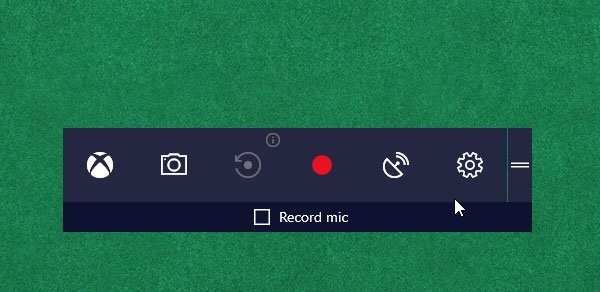
Turn Game Mode on or off in Windows 11 and Windows 10
Game Mode prioritizes system resources for gaming and aims to reduce lag and frame-rate problems. Learn how to enable it in Windows 11/10, activate it for individual games in Windows 10, and recognize when disabling it may help.
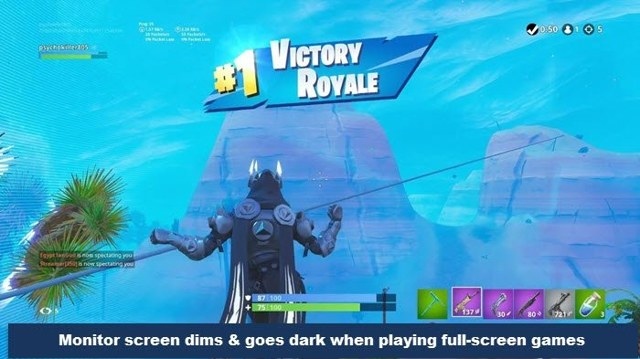
Fix a screen that dims during full-screen games on Windows
A Windows 11/10 display may dim during full-screen games because of automatic brightness, power settings, drivers, or a GPU fault. These troubleshooting options cover graphics drivers, gaming settings, and dynamic backlight control.
Configure and calibrate HDR for gaming in Windows 11 and Windows 10
HDR gaming requires a compatible display, GPU, and cable, along with the right Windows settings. This guide covers enabling HDR, calibrating the display, and addressing common color and battery-related problems in Windows 11/10.
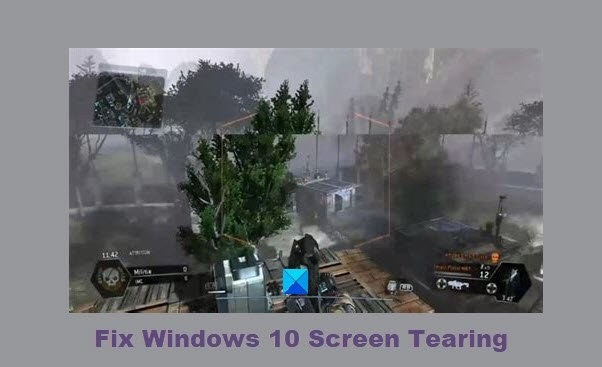
Ways to troubleshoot screen tearing in Windows 11 and Windows 10
Screen tearing can disrupt games, videos, scrolling, or startup in Windows 11/10. Check the display resolution and refresh rate, troubleshoot graphics drivers and video playback, and consider a hardware inspection if the problem persists.
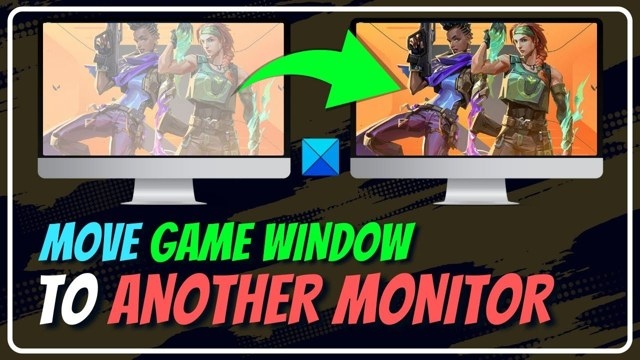
Move a Full-Screen Game to a Different Monitor in Windows
You can move a full-screen game between monitors by switching to a movable window or changing Windows display settings. The window method depends on the game, while display settings provide an alternative on Windows 11/10.
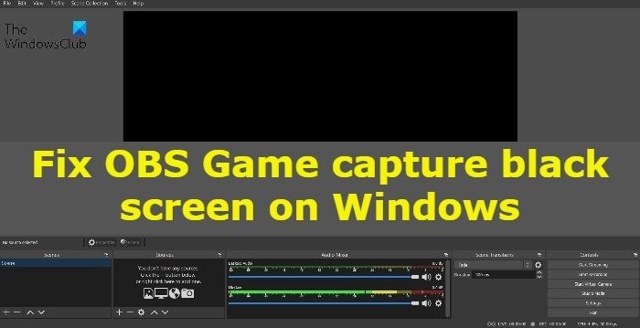
How to Resolve a Black Screen in OBS Game Capture on Windows
OBS Studio may show a black game preview because of version mismatches, permissions, compatibility issues or competing capture software. These Windows 11/10 troubleshooting steps cover those causes, GPU selection and reinstallation.
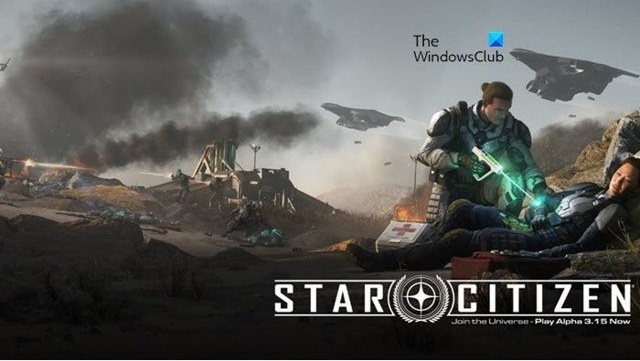
Fixing Star Citizen crashes, minimizing, stuttering and freezes on PC
Star Citizen problems on Windows 11/10 can be linked to insufficient resources, outdated drivers, corrupted files or overlay conflicts. Follow these troubleshooting steps, check the system requirements and inspect GPU logs when graphics crashes occur.
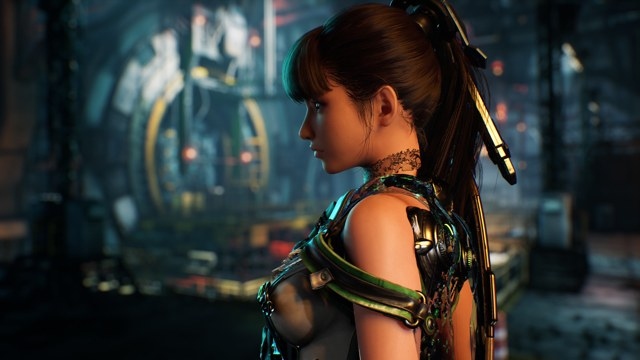
Stellar Blade Demo Input Lag Prompts TV Game Mode Advice
Players have reported sluggish controls in the Stellar Blade demo, although others say it runs without problems. The developers recommend enabling the TV's Game Mode, while a YouTuber's test reported 230ms of input delay.
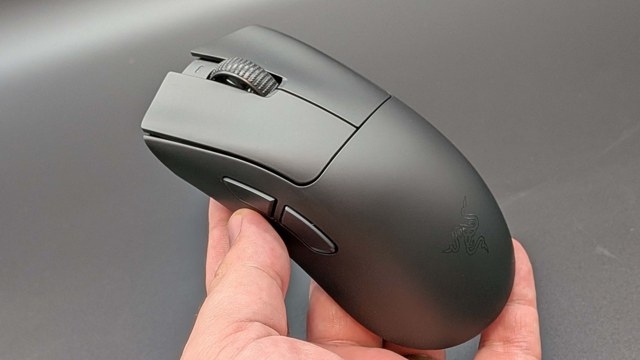
Estimate the Latency Tradeoff of Higher Mouse Polling Rates
BaldSquid's spreadsheet compares polling-rate latency gains with potential frame rate losses. It offers a rough estimate of visible benefits, but does not account for monitor refresh rate or battery life.

How to address Hearthstone freezing, stuttering and disconnections on PC
Hearthstone players on Windows 11/10 may encounter freezes, stuttering or frequent disconnections. Check the system requirements, then work through graphics, background-process, network and in-game settings fixes.
How to Troubleshoot Keyboard Input Delay in Windows Games
Keyboard lag in Windows 11/10 games can stem from connection problems, drivers, background apps or game settings. Follow these checks in order, from basic keyboard troubleshooting to reinstalling its driver.
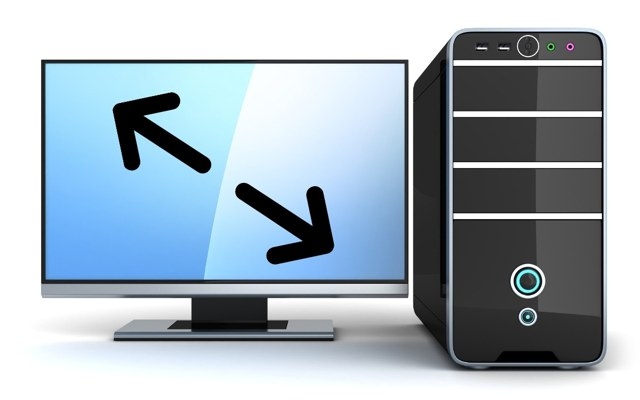
Choosing Between Windowed, Fullscreen and Borderless Display Modes
Fullscreen, windowed and borderless modes offer different balances of focus, performance and multitasking. The right choice depends on whether you need maximum game performance, easy access to other apps or flexibility across multiple monitors.
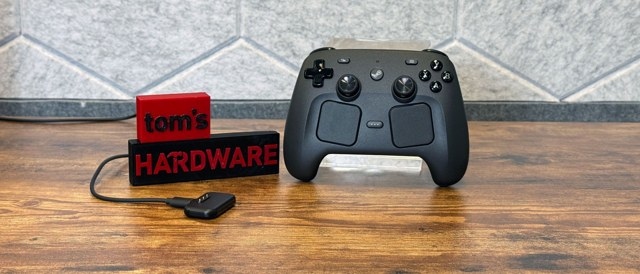
Valve explains the Steam Controller’s design, wireless latency, and Steam-first approach
Valve programmer Pierre-Loup Griffais and mechanical engineer Steve Cardinali discuss how Steam Deck feedback shaped the Steam Controller. The conversation covers input choices, TMR sticks, wireless performance, Steam integration, ergonomics, and production costs.
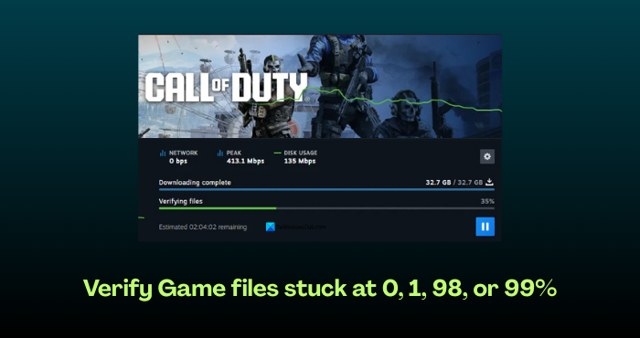
Fix Game File Verification Stuck at 0, 1, 98, or 99%
Game file verification can stall in Steam, GOG, Fortnite, or other games on Windows. Try these fixes in order, from checking your connection and clearing the client cache to repairing folders or reinstalling the affected game or launcher.
No articles found
Try adjusting your search or filter to find what you're looking for.

